
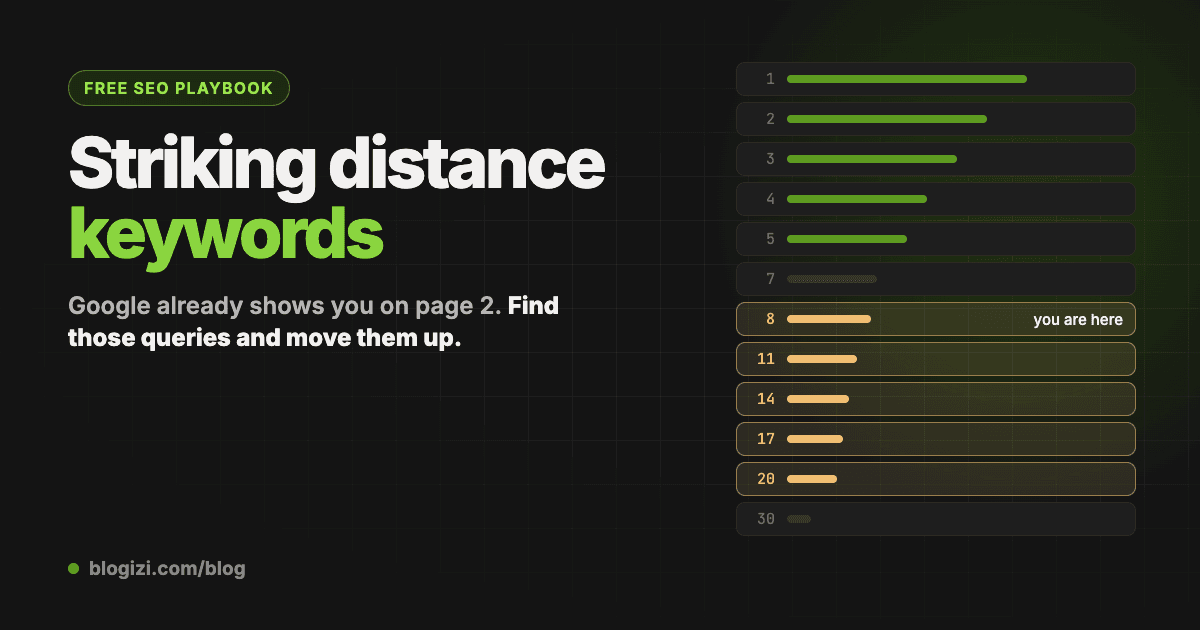
Striking distance keywords are searches where Google already shows your site, just not high enough to get clicked: usually positions 8 to 20, the bottom of page one and page two. They're the cheapest SEO wins you have, because Google has already decided your page is relevant. You don't need a new post or new links to start; you need to find them, sort them, and improve the right page.
This guide shows how to find them in Google Search Console in about ten minutes, how to rank them so you work on the right ones first, and what to do with each. It ends with real numbers from this blog, including the part where a small site barely has any.
Why position 8–20 matters
Click-through rate falls off a cliff after the first few results. Rough industry averages:
| Position | Typical CTR |
|---|---|
| 1 | ~28% |
| 3 | ~10% |
| 5 | ~5% |
| 9 | ~2% |
| 11–20 | ~1% |
A page at position 14 with 2,000 impressions a month gets about 20 clicks. The same page at position 4 would get well over 100. Getting there from 14 is usually a matter of a better section, a clearer title and a few internal links. Getting a brand-new post from nowhere to position 4 takes far more.
How to find them in Google Search Console
1. Open the right report
Go to Performance → Search results.
- Set the date range to the last 28 days. Three months smooths out noise if your site is small.
- Turn on all four metrics: Total clicks, Total impressions, Average CTR, Average position.
- Open the Queries tab.
2. Export and filter
Click Export → Google Sheets, then keep only the rows where:
- average position is between 8 and 20, and
- impressions are at least 20. If your whole site gets under 5,000 impressions a month, use 5 instead, or you'll filter out everything.
What's left are queries where Google shows you at the bottom of page one or on page two.
3. Sort by opportunity, not by impressions
A query at position 9 with 100 impressions is a better bet than one at position 19 with 150. Add a column that weighs both:
impressions × (21 − position) / 13
Sort by it, highest first. The top rows are where to start.
4. Estimate what each one is worth
Positions 3–5 average roughly 7% CTR. For each query:
impressions × 0.073 − current clicks
That's roughly how many more clicks per month you'd get if it reached the top five. It's a guide, not a forecast, but it tells you which fixes matter.
5. Find which page ranks, and decide the fix
The Queries tab doesn't show which page ranks for each query. Click a query, then switch to the Pages tab to see it. Then:
- Google shows a specific post or page for it: improve that page. Answer the query directly near the top, use its wording in a heading, add the section that's missing compared with the pages above you, and link to it from two or three related posts.
- Google shows your home page, or a post that only half fits: write a new post for that query. Google is telling you it would rank you if you had a page that's actually about it.
6. While you're there: pages people see and skip
Switch to the Pages tab and look for pages with 200+ impressions, a position of 15 or better, and a CTR under half of what that position usually gets (from the table above). Those don't need new content; they need a title and meta description someone wants to click.
What we found on this blog
Here are this blog's real numbers for September 20 – October 17, 2026. It's a young site: 2,517 impressions and 9 clicks in 28 days.
- One comparison post got 1,071 impressions at position 28 and zero clicks. That's 43% of the whole site's impressions on a page nobody sees, because page three might as well not exist.
- "ai blog automation" sat at position 16 with 66 impressions. Its siblings "automated blog", "automatic blog" and "auto blogging" sat between 12 and 19, all landing on the same page. One section covering all four is the obvious fix.
- The only post on page one (position 8) brought 4 of the 9 clicks. Ranking at 8 instead of 28 is the difference between almost half your traffic and none of it.
So the plan for the week wasn't ten new posts. It was two pages: rework the 1,071-impression post for the query people actually type, and add one section to the page that already ranks for the "automated blog" queries.
The honest part: small sites have very little on page 2
The first time we ran this, the filter in step 2 left exactly one query. If that happens to you, it's not that the method doesn't work; it's that a young site doesn't have many rankings yet. Two adjustments help:
- Lower the impression floor to 5, as above.
- Widen the range to positions 21–40. Those queries aren't close yet, but they're what Google is testing you for. Treat them as your content plan for the next month, chosen by Google instead of by a keyword tool.
Mistakes to avoid
- Trusting the last few days. Search Console data lags two to three days. A "drop" at the right edge of the chart is usually just missing data.
- Ignoring which page ranks. If two of your posts show up for the same query, they split the impressions and both rank worse. Merge them or make one clearly about something else.
- Rewriting everything at once. Change a few pages, note the date, and compare four weeks later. Otherwise you won't know what worked.
- Chasing branded queries. Your own product name will always look like a great opportunity. Filter it out.
Skip the spreadsheet
If you'd rather not do this in a sheet every month, we built the whole process into a free tool: the free Search Console report. Connect Search Console with read-only access, pick a site, and it lists your striking distance keywords sorted by opportunity, each with the page to improve or a note to write a new post, plus the 21–40 range for small sites, the pages people skip, and the clicks within reach. No card, and you can copy the whole thing as markdown.
That markdown is handy if you work with an AI agent: paste it into Claude, Codex or Cursor and ask it to draft the top fix. On Blogizi, the same list is built into each blog's Search tab and your agent can read it directly over MCP, so "write a post for my top page-2 query" works without copying anything.
FAQ
What position counts as striking distance? Most people use 8 to 20 (or 11 to 20, page two only). Including 8–10 catches queries at the bottom of page one, where a small move up still multiplies clicks.
How many impressions does a query need? Enough that the numbers mean something. 20 in 28 days is a reasonable floor for most sites; drop to 5 if your site is small.
Should I update the existing page or write a new one? Update it if Google already ranks a page that's about the query. Write a new one if Google is showing your home page or a loosely related post: that means you don't have a page that really answers it.
How long until it moves? A better title and description can change clicks within days of Google recrawling the page. Ranking changes from new sections and internal links usually take two to six weeks.
Do I need an SEO tool for this? No. Everything above works with Search Console and a spreadsheet. Tools save time; they don't change the method.