
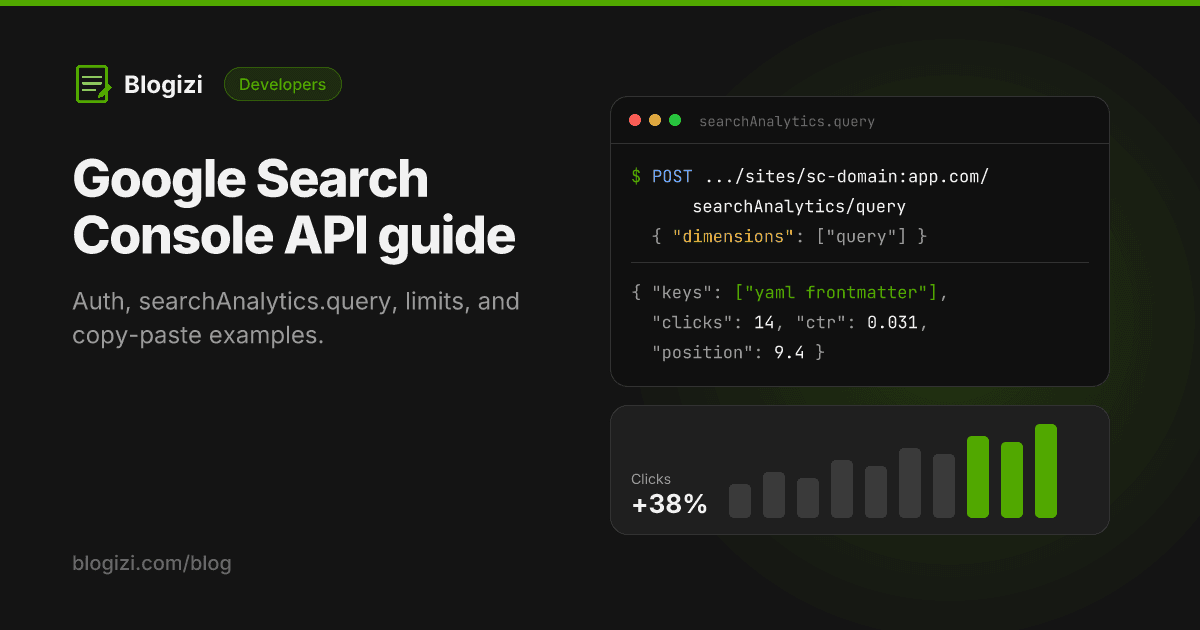
The Google Search Console API gives you programmatic access to the same data as the Search Console UI: search performance (clicks, impressions, CTR, position), URL Inspection, sitemaps and the list of sites you can access. You authenticate with OAuth 2.0 or a service account, not a plain API key, and most people only ever need one endpoint: searchAnalytics.query.
This guide covers auth, a working request, the limits that trip people up, and when you don't need to touch the API at all.
What the API covers
| Resource | What it does | Typical use |
|---|---|---|
Search Analytics (searchAnalytics.query) | Clicks, impressions, CTR and position by query, page, country, device, date and search appearance | Reporting, dashboards, content refresh |
URL Inspection (urlInspection.index.inspect) | Index status, canonical, mobile usability and rich results for one URL | Debugging why a page isn't indexed |
| Sitemaps | List, submit and delete sitemaps | Automating sitemap submission |
| Sites | List properties the user can access, add or remove them | Property pickers in your app |
It doesn't cover the Pages (indexing) report in bulk, manual actions, Core Web Vitals or links. For those you still need the UI or other tools.
Authentication: why an API key isn't enough
Search Console data is private, so Google requires OAuth 2.0. A plain API key from the Cloud console only identifies your project. It can't prove you're allowed to see a property, so requests with only a key fail.
You have two options:
OAuth 2.0 (acting as a user). Your app asks the user to approve access to their Search Console data. Use the read-only scope unless you need to submit sitemaps:
https://www.googleapis.com/auth/webmasters.readonly
This is the right choice for apps where users connect their own sites.
Service account (server-to-server). Create a service account in Google Cloud, download its JSON key, then add the service account's email address as a user on the Search Console property, like you would a colleague. It suits internal scripts and scheduled jobs.
Either way, you first create a Google Cloud project and enable the Google Search Console API for it.
Only need the numbers for your own blog? Blogizi runs the OAuth app for you and syncs your data daily. One
GETwith your API key returns totals, top queries and top pages, no Cloud project needed. Get an API key, free for 7 days →
Your first request
The core endpoint:
POST https://www.googleapis.com/webmasters/v3/sites/{siteUrl}/searchAnalytics/query
siteUrl is the property exactly as it appears in Search Console, URL-encoded:
- URL-prefix property:
https://www.example.com/→https%3A%2F%2Fwww.example.com%2F - Domain property:
sc-domain:example.com→sc-domain%3Aexample.com
The request body for "top 100 queries in September":
{
  "startDate": "2026-09-01",
  "endDate": "2026-09-30",
  "dimensions": ["query"],
  "rowLimit": 100
}
With curl, given an OAuth access token:
curl -s -X POST \
  "https://www.googleapis.com/webmasters/v3/sites/sc-domain%3Aexample.com/searchAnalytics/query" \
  -H "Authorization: Bearer $ACCESS_TOKEN" \
  -H "Content-Type: application/json" \
  -d '{"startDate":"2026-09-01","endDate":"2026-09-30","dimensions":["query"],"rowLimit":100}'
The response is a list of rows. keys holds the dimension values in the order you requested them:
{
  "rows": [
    { "keys": ["what is yaml frontmatter"], "clicks": 3, "impressions": 96, "ctr": 0.03125, "position": 9.4 }
  ],
  "responseAggregationType": "byProperty"
}
ctr is a fraction between 0 and 1, and position is the average position.
The same request in Python
With google-api-python-client and a service account:
from google.oauth2 import service_account
from googleapiclient.discovery import build

creds = service_account.Credentials.from_service_account_file(
    "service-account.json",
    scopes=["https://www.googleapis.com/auth/webmasters.readonly"],
)
service = build("searchconsole", "v1", credentials=creds)

response = service.searchanalytics().query(
    siteUrl="sc-domain:example.com",
    body={
        "startDate": "2026-09-01",
        "endDate": "2026-09-30",
        "dimensions": ["query", "page"],
        "rowLimit": 1000,
    },
).execute()

for row in response.get("rows", []):
    query, page = row["keys"]
    print(f"{row['clicks']:>5}  {row['position']:>5.1f}  {query}  →  {page}")
Asking for ["query", "page"] together gives you query-by-page rows. That's the breakdown you need to spot two pages competing for the same query, which the UI makes awkward.
Request options worth knowing
dimensions:query,page,country,device,searchAppearance,date, andhour(withdataState: "hourly_all").type:web(default),image,video,news,discover,googleNews.dimensionFilterGroups: filter withequals,contains,notContains, or RE2 regex (includingRegex,excludingRegex). Example: only pages under/blog/:
{
  "dimensionFilterGroups": [{
    "filters": [{ "dimension": "page", "operator": "contains", "expression": "/blog/" }]
  }]
}
rowLimitandstartRow: up to 25,000 rows per request (default 1,000). Page through withstartRow.dataState:final(default) only returns finalized data.allincludes the most recent, still-changing days.
Limits and gotchas
- Quotas. Search Analytics allows 1,200 queries per minute per site and per user, and 40,000 per minute per project. URL Inspection is much tighter: 2,000 inspections per day and 600 per minute per site.
- Not every row is returned. The API returns the top rows within internal limits, and anonymized queries are left out. The totals from a query-level request won't match the property totals in the UI.
- Data lag. Final data trails by about two to three days. Don't read a "drop" in the last few days as real.
- History. Search Console keeps about 16 months of performance data. If you want longer trends, store snapshots yourself.
- Dates are Pacific Time.
startDateandendDateuse the America/Los_Angeles day boundaries. - Property mismatch. Data for
https://example.com/andsc-domain:example.comdiffer. Query the property your users actually verified.
When you don't need the API
Building against the API makes sense when you're shipping a product feature, a custom dashboard or a data pipeline. If you only want an AI agent to see your search performance, there are lighter options:
- A Search Console MCP server wraps the API so Claude or another agent can query it with tool calls. Open-source servers still need the Cloud project and credentials above. Our Google Search Console MCP guide compares them.
- Blogizi, if your blog runs on it. Connect Google once in the dashboard (read-only, no Cloud project) and bind a property. Blogizi syncs daily and exposes the data through one REST call and the
get_search_performanceMCP tool, using the same API key you publish with:
curl -s "https://blogizi.com/api/search-analytics?days=28" \
  -H "Authorization: Bearer $BLOGIZI_API_KEY" \
  -H "X-Blogizi-Project: my-blog"
It returns totals, a daily chart and the top 25 queries and pages for 7, 28 or 90 days. It isn't a replacement for the full API: there are no filters, no query-by-page rows and no URL Inspection. It's the quick path when the goal is "let my agent see what's working and fix the posts that aren't". Details are in the Search analytics API docs.
FAQ
Is the Google Search Console API free? Yes. There's no charge, only the usage quotas above.
Can I use an API key with the Search Console API? Not for your site's data. It's private, so you need OAuth 2.0 or a service account that's been added as a user on the property.
How do I get more than 1,000 rows?
Set rowLimit up to 25,000, and page with startRow for more. Even then, the API returns only the top rows Google makes available, not every long-tail query.
What's the difference between the webmasters v3 and searchconsole v1 APIs?
They're the same service. Google's client libraries expose it as searchconsole v1, while the Search Analytics endpoint path still uses /webmasters/v3/. URL Inspection lives under searchconsole.googleapis.com/v1/urlInspection/index:inspect.
Can I request indexing through the Search Console API? No. Indexing requests aren't part of it. The separate Indexing API is officially limited to job posting and livestream pages.